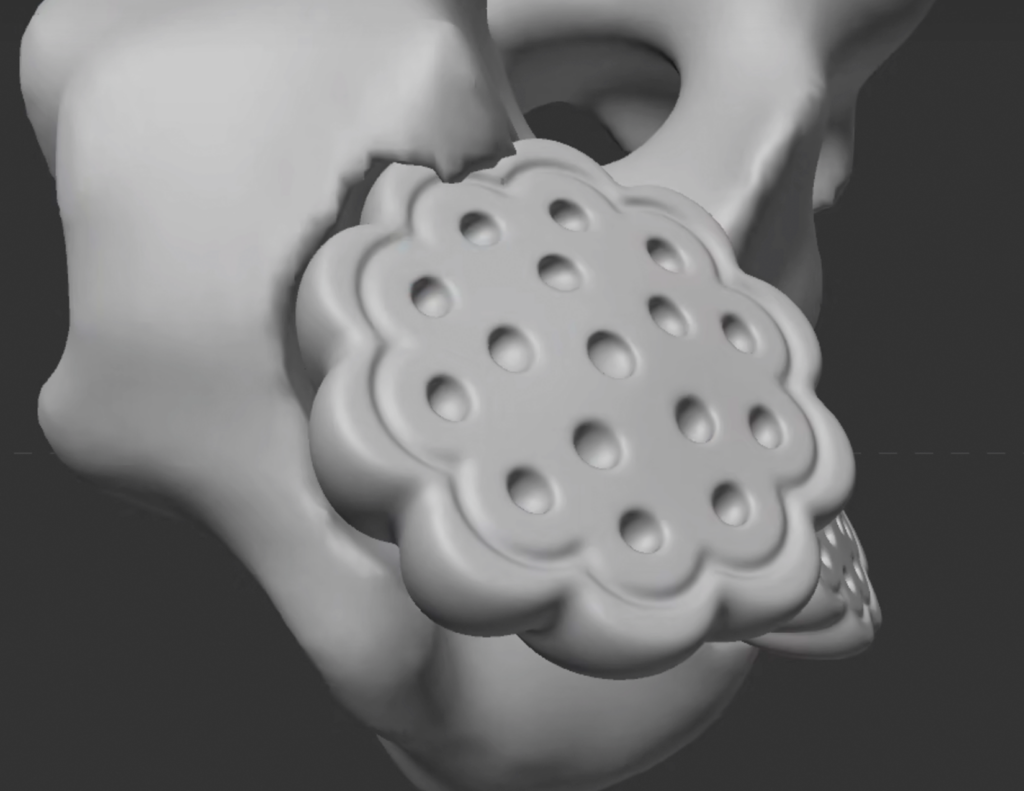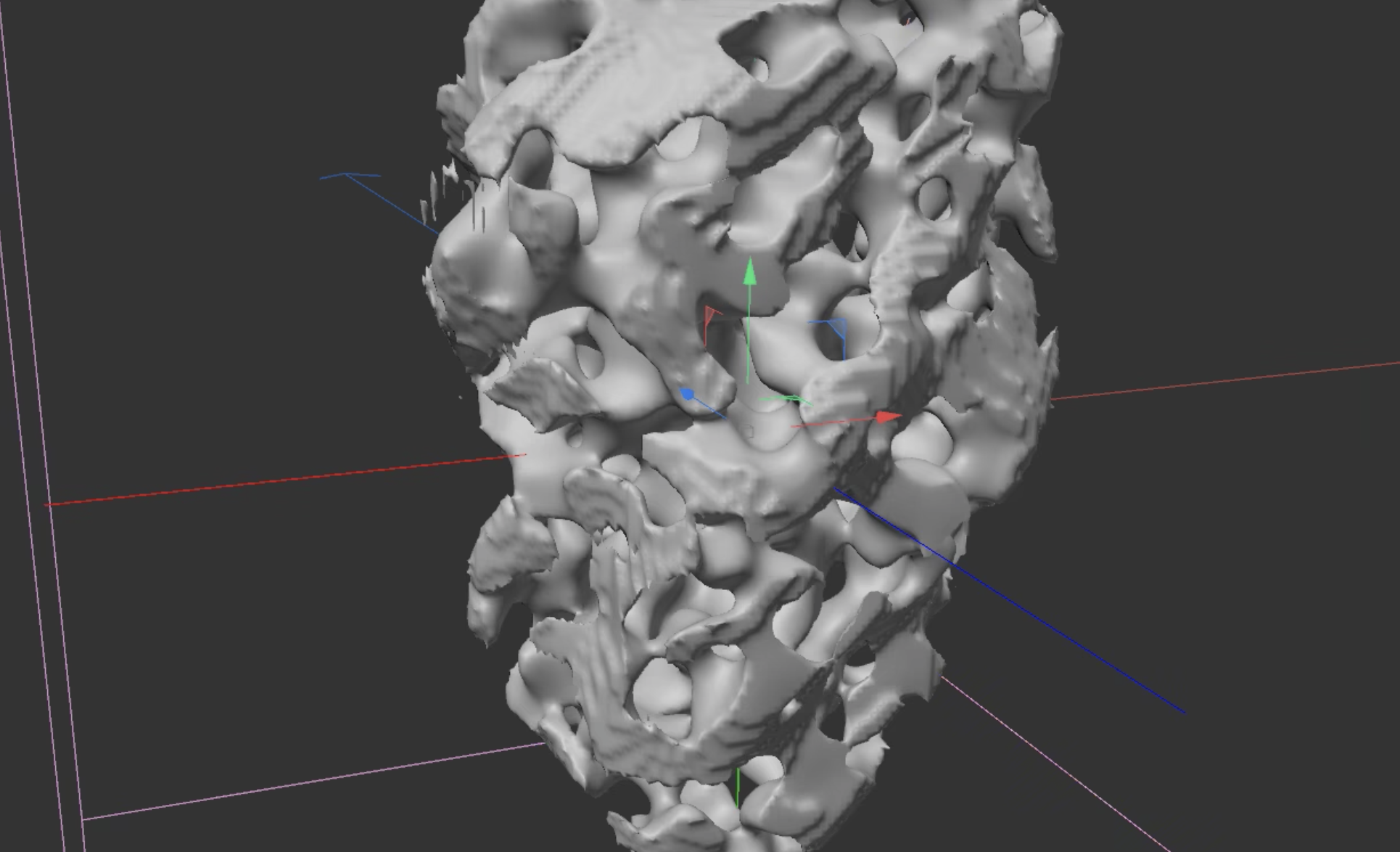
Step 1
Capsule – Taper – Displacer (adjust the scale to make it smoother and height) – Twist – FFD
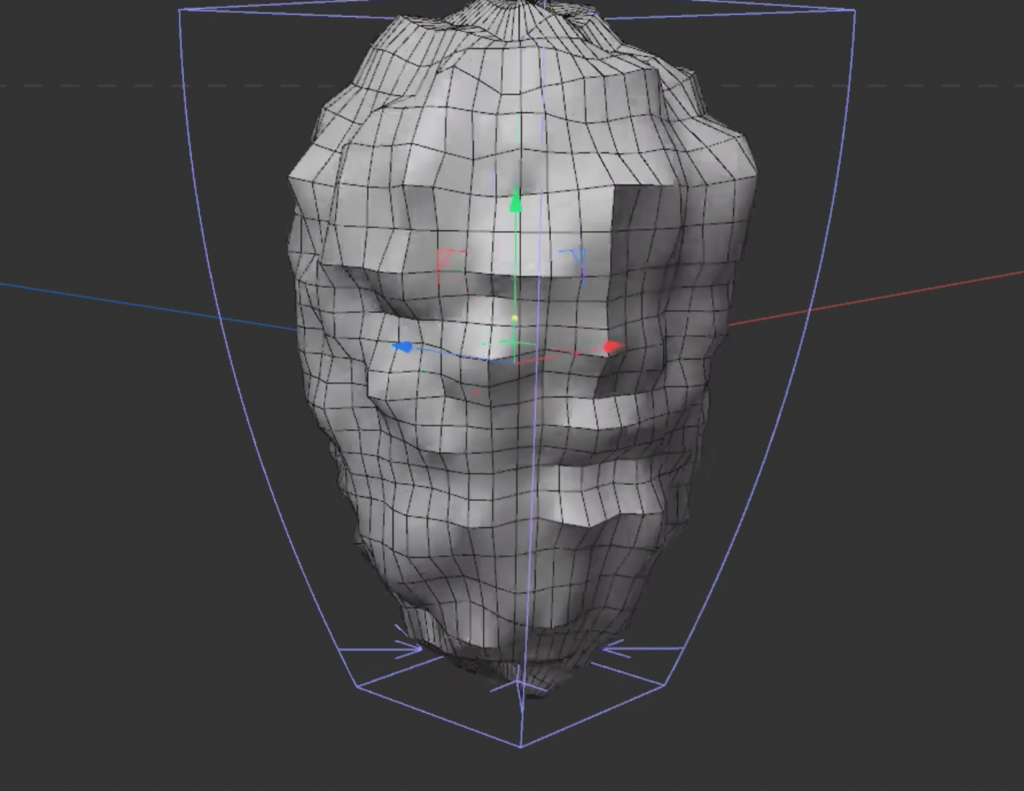
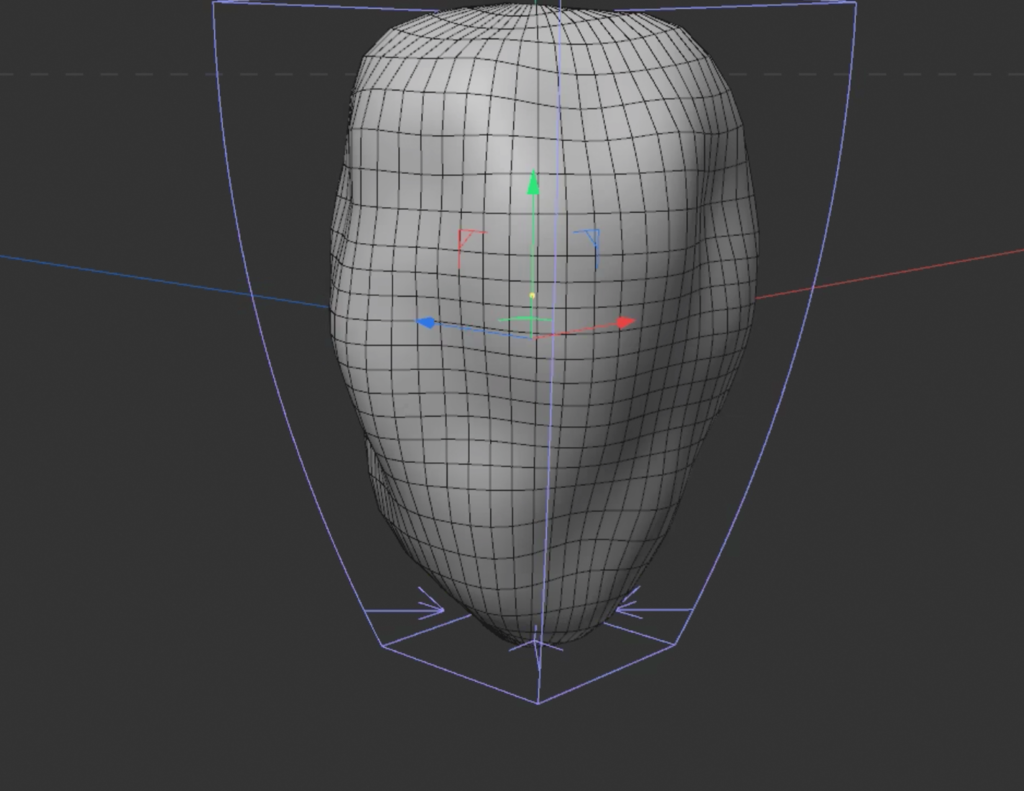
Step 2
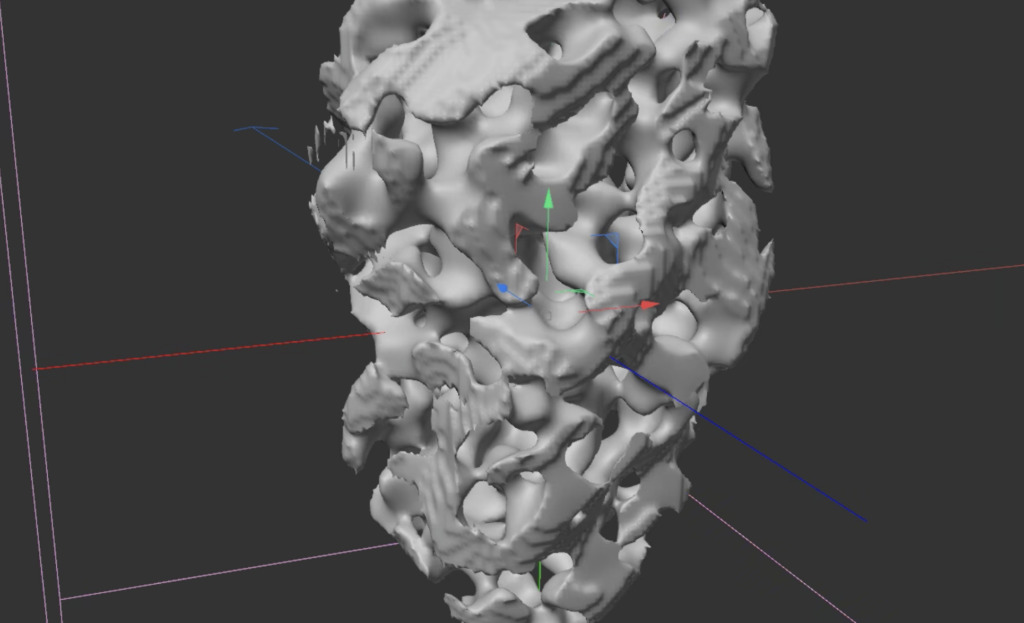
Volume Builder (Fog) & Volume Mesher
SDF – voxels only on the surface; Fog – the entire model is filled with voxels
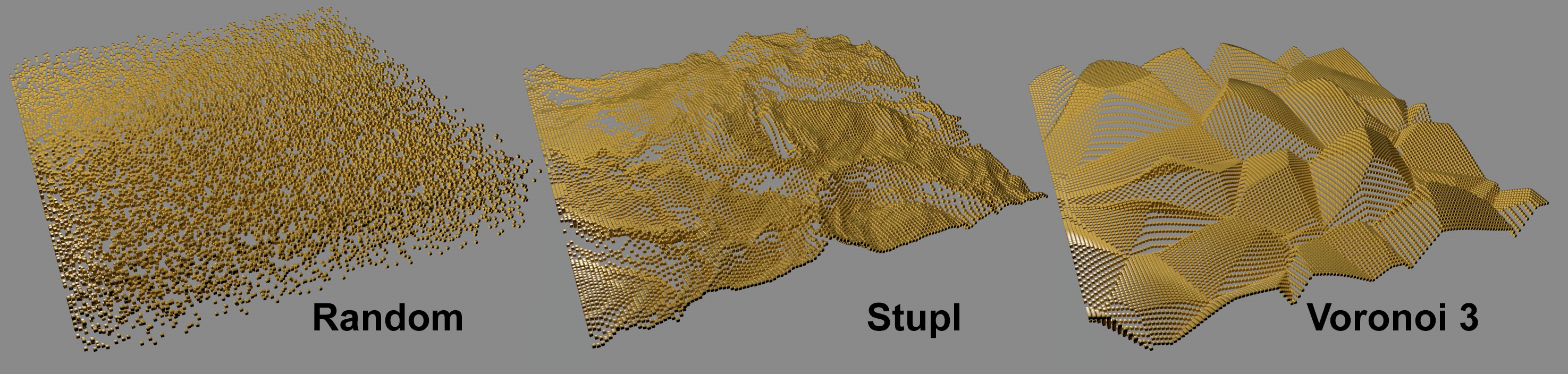
Add a Random Field in the Volume Builder
Step 3
Add another Volume Builder and Mesher (SDF) – Add a new null for objects (as an external link) to the Volume Builder panel – Input type: subtract – SDF Volume Filter: Dilate and erode (Make a new fold with the filter and Objects Group for priority) – SDF Smooth