-
Reflecting on Type
Serifs For the past year, the serif typefaces I have used and liked were: HAL Timezone Timezone is a low-contrast, weighty serif typeface. It’s robust and has high visibility. It has slightly round edges. The Regular and Monospaced are sturdy and durable, while the Italic is more playful and dynamic, reminiscent of classical, antique serif…
-
Practice | 1
Original – https://fontsinuse.com/uses/64400/fantasmagoria-iv Typeface Solfa by R-Typography https://www.r-typography.com/fonts/solfa
-
Type | Lexik and Formale Grotesque
Temporäre Unordnung This book is printed on newsprint.
-
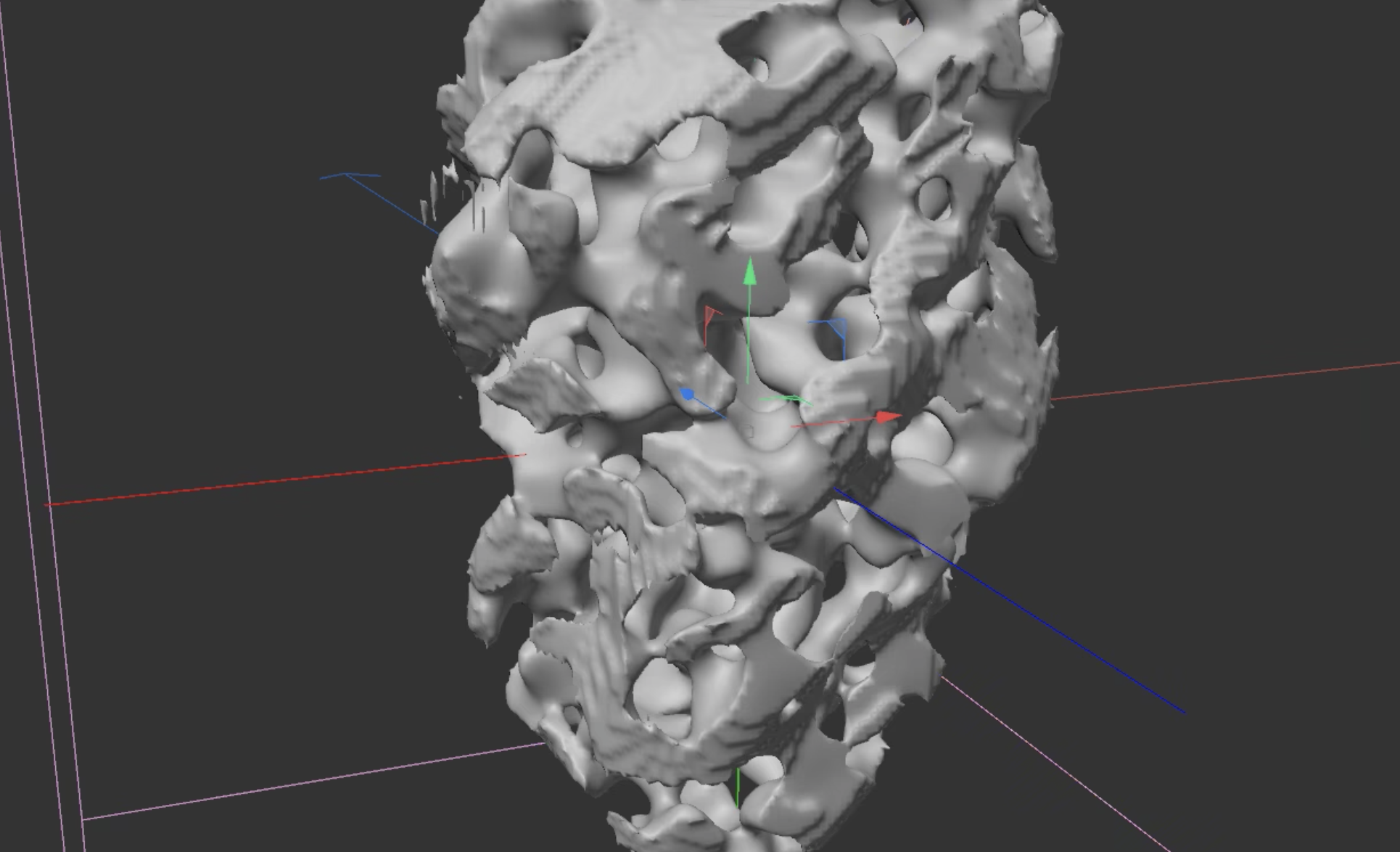
C4D | Organic Stone
Step 1 Capsule – Taper – Displacer (adjust the scale to make it smoother and height) – Twist – FFD Step 2 Volume Builder (Fog) & Volume Mesher SDF – voxels only on the surface; Fog – the entire model is filled with voxels Add a Random Field in the Volume Builder Step 3 Add…
-
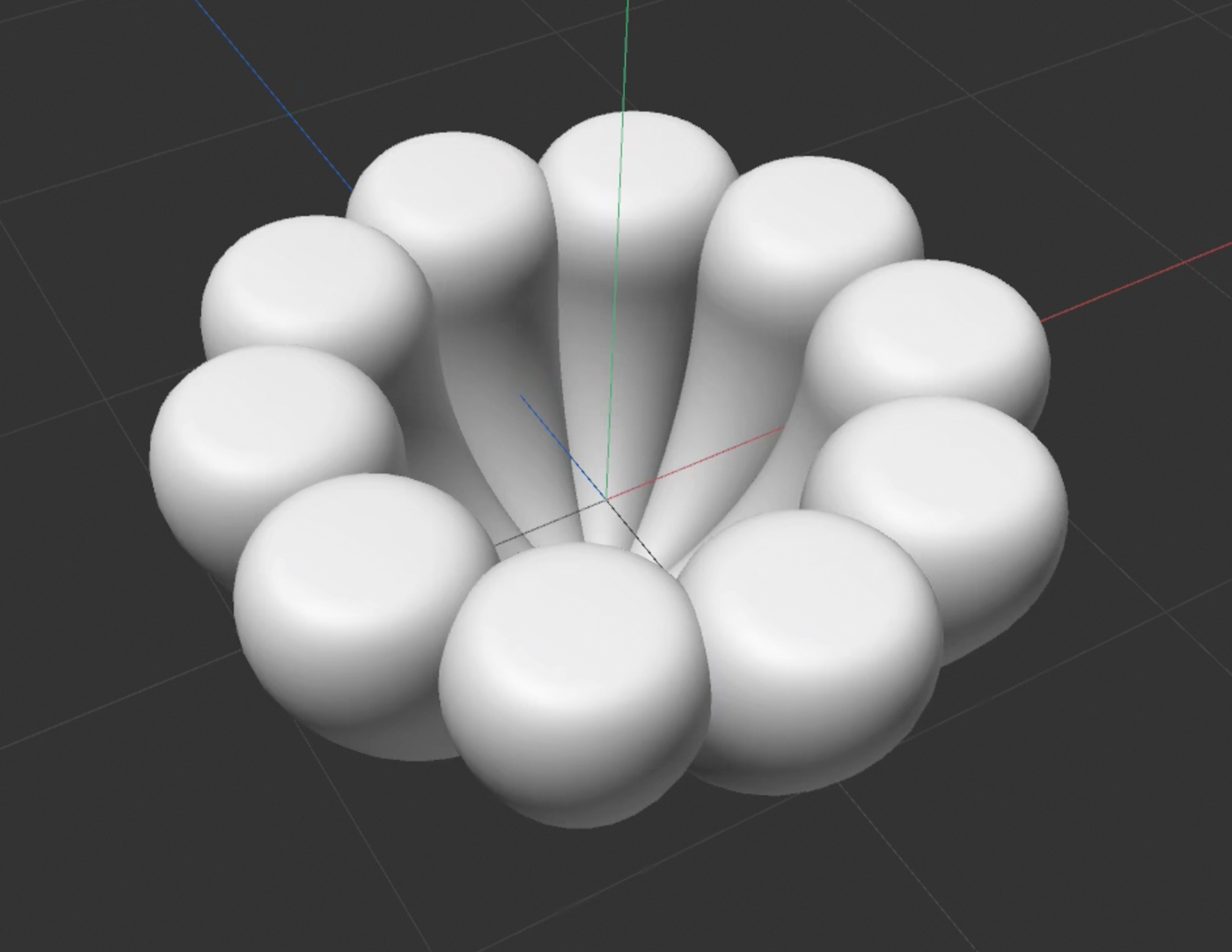
C4D | Lotus
Step 1 Cone – Clone – Bend – Lotus Pedals Step 2 Add Volume Builder and Volume Mesher. Adjust the Voxel Size (the smaller the clearer, but the software might crash). Add a sphere and change the input type in the volume mesher panel to union. Use a cube as flat by changing the input…
-
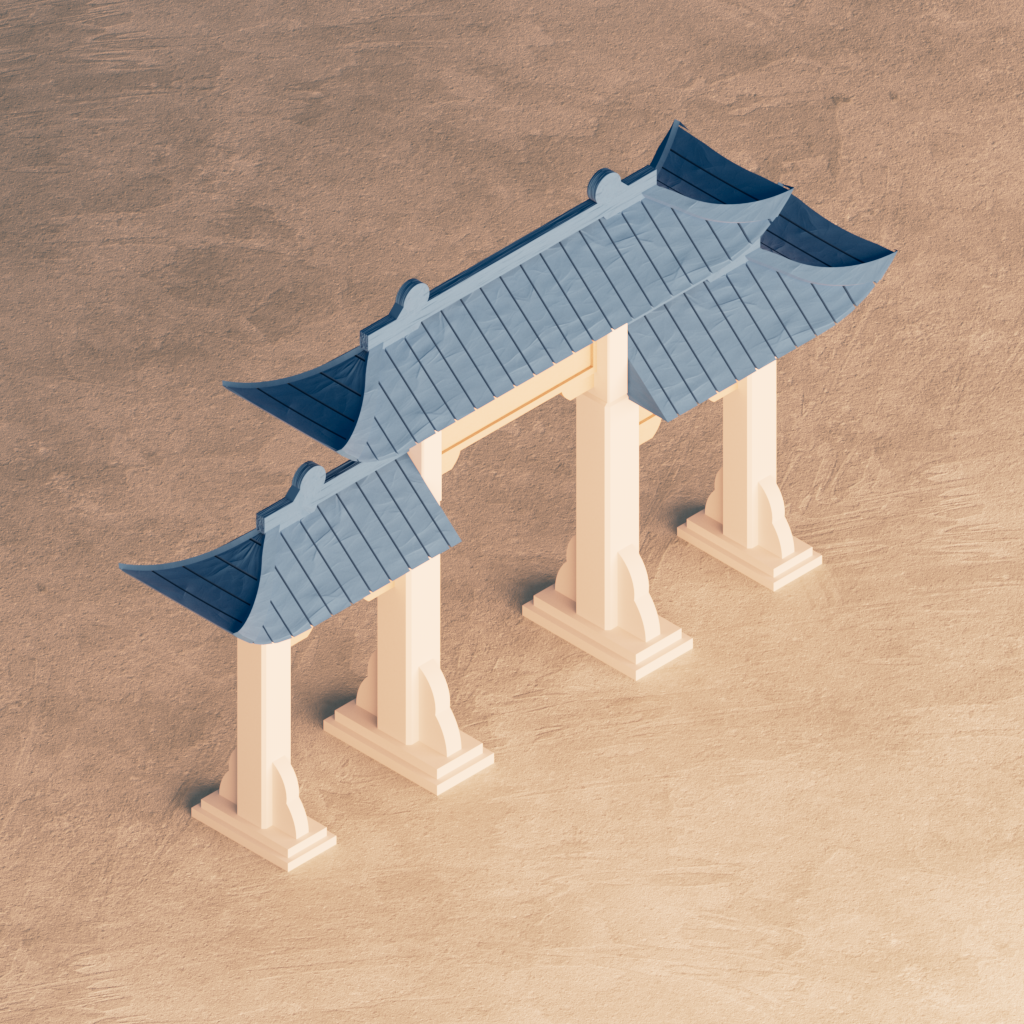
C4D | Arch Animation
Foundation Rock Geometry Axis can place the axis within the bounding box of a geometry. Delay Effector can be used to create a more bouncy animation. Pillars Twist Deformer Plaque Shear Deformer Roof FFD Deformer affects the vertices of any object that reside within the original unmodified FFD cage. (must edit the FFD in point mode) Field Voronoi…
-
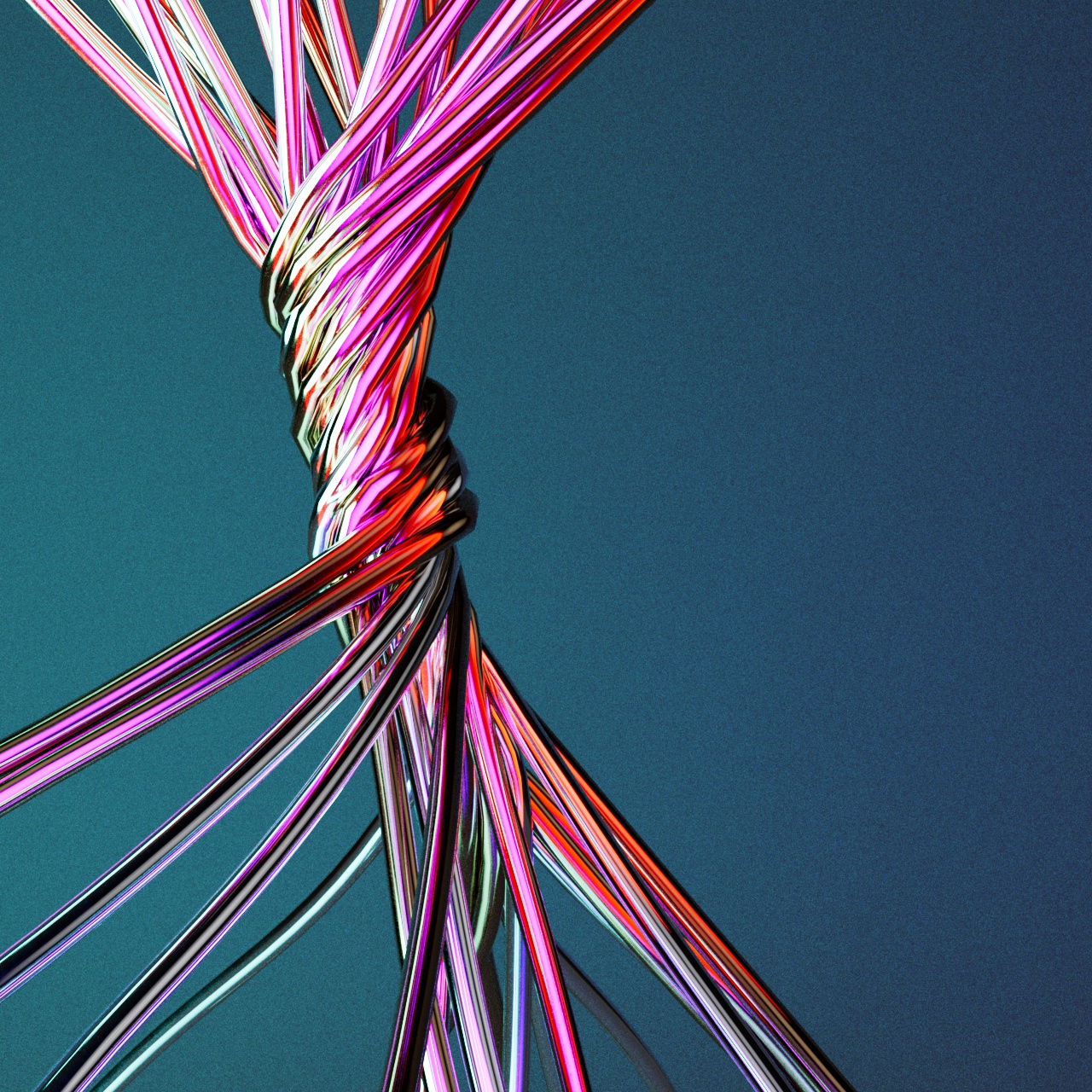
C4D | Twisted Rope
Rope Use the segment in the collection folder and sweep it with an n-polygon. Tag the segment with the rope tag in the simulation tags. The radius should be the same as that of the n-polygon. Twisting Simulation Step 1 Click C to make the segment editable. Set the top points as fixed for each…
-
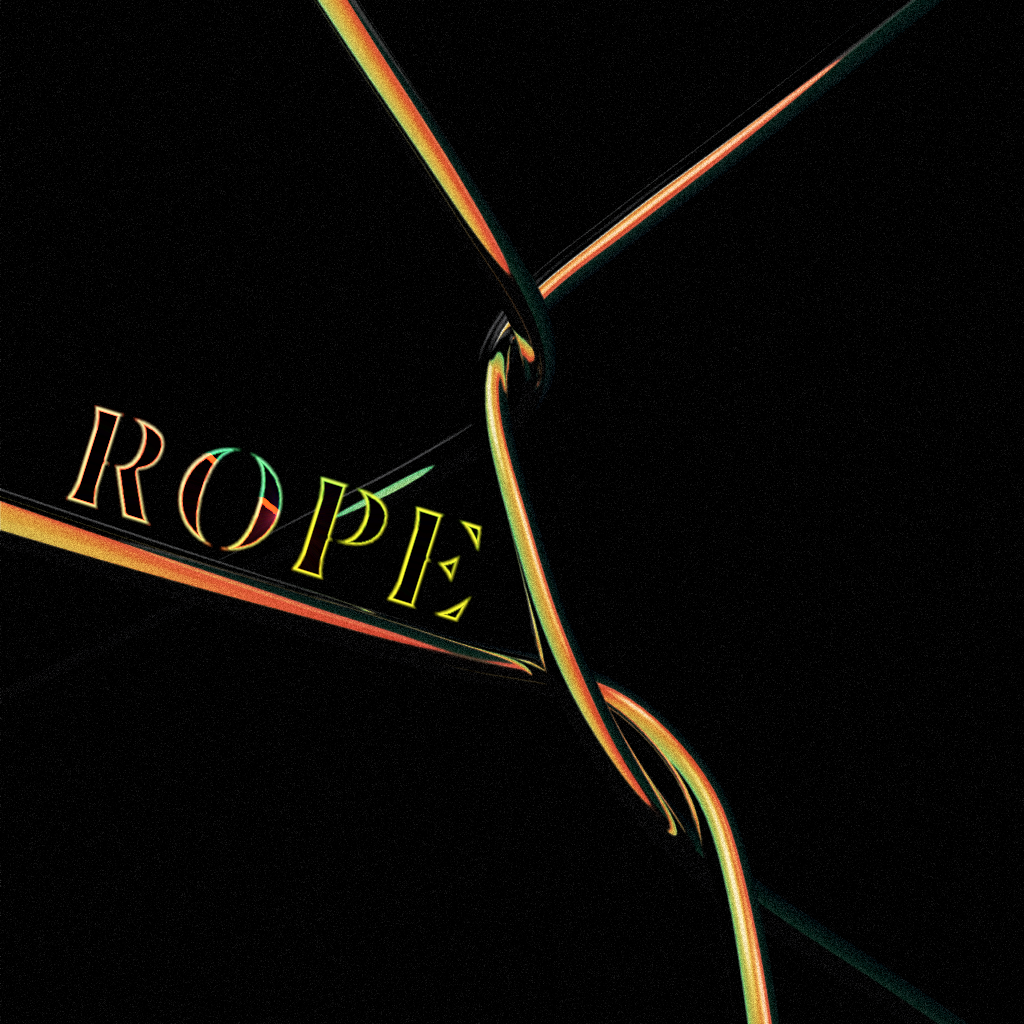
C4D | Rope Dynamics
Step 1 Use the spline pen tool to draw a line in the front view. Use U + S to increase the subdivide. Create Three empty objects: the rope and two rope belts. Step 2 Give the spline a rope tag and two rope belt tags from the simulation tag. Rope tag can make splines…