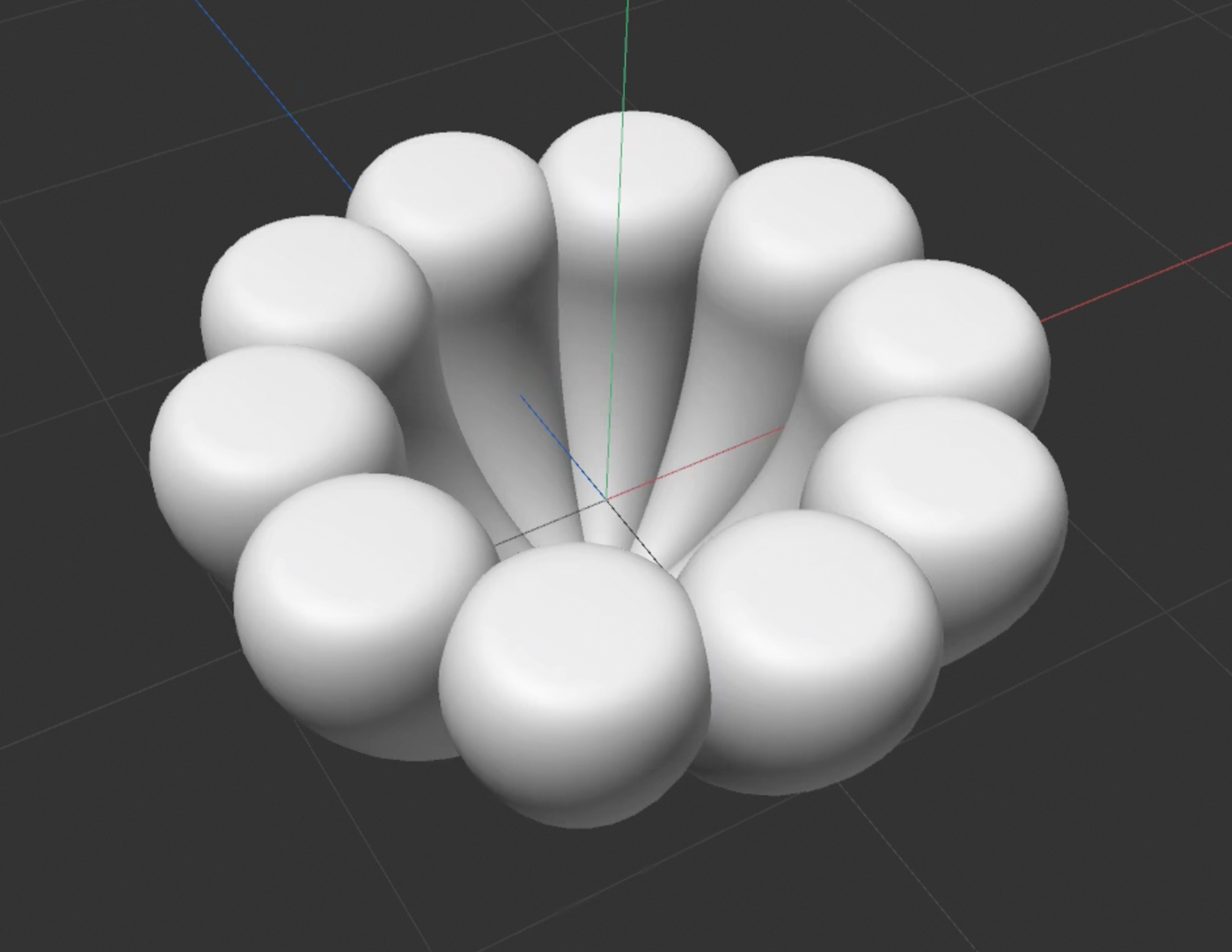
Step 1
Cone – Clone – Bend – Lotus Pedals
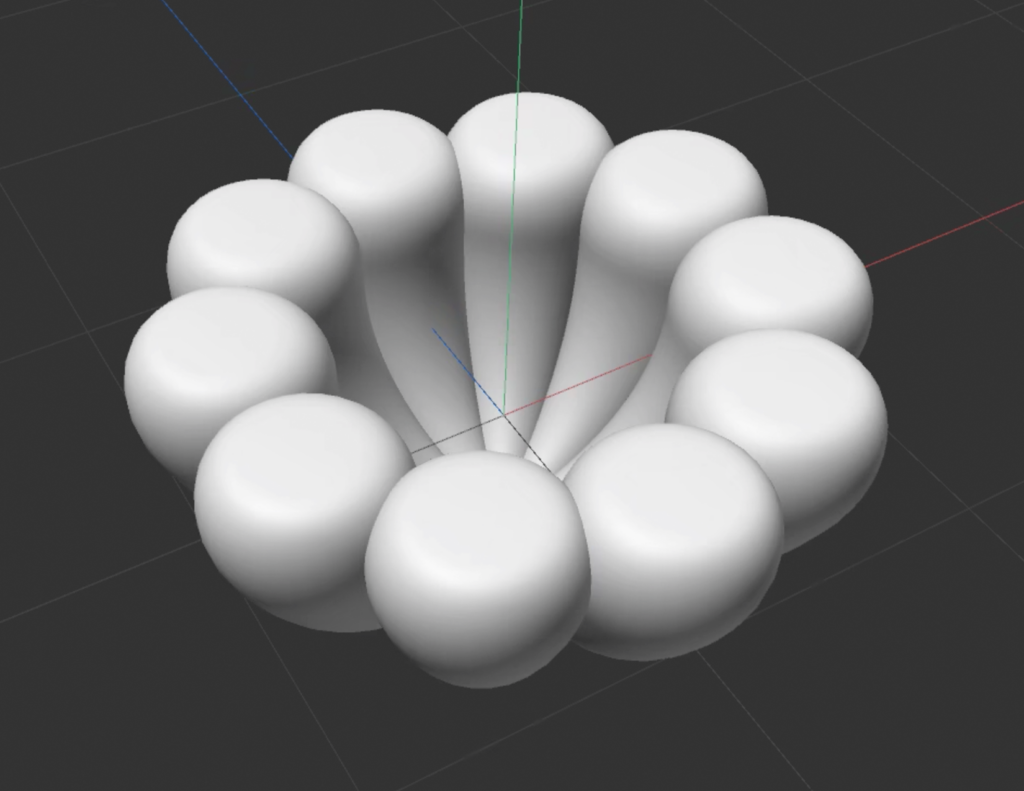
Step 2
Add Volume Builder and Volume Mesher.
Adjust the Voxel Size (the smaller the clearer, but the software might crash).
Add a sphere and change the input type in the volume mesher panel to union. Use a cube as flat by changing the input type to subtract.
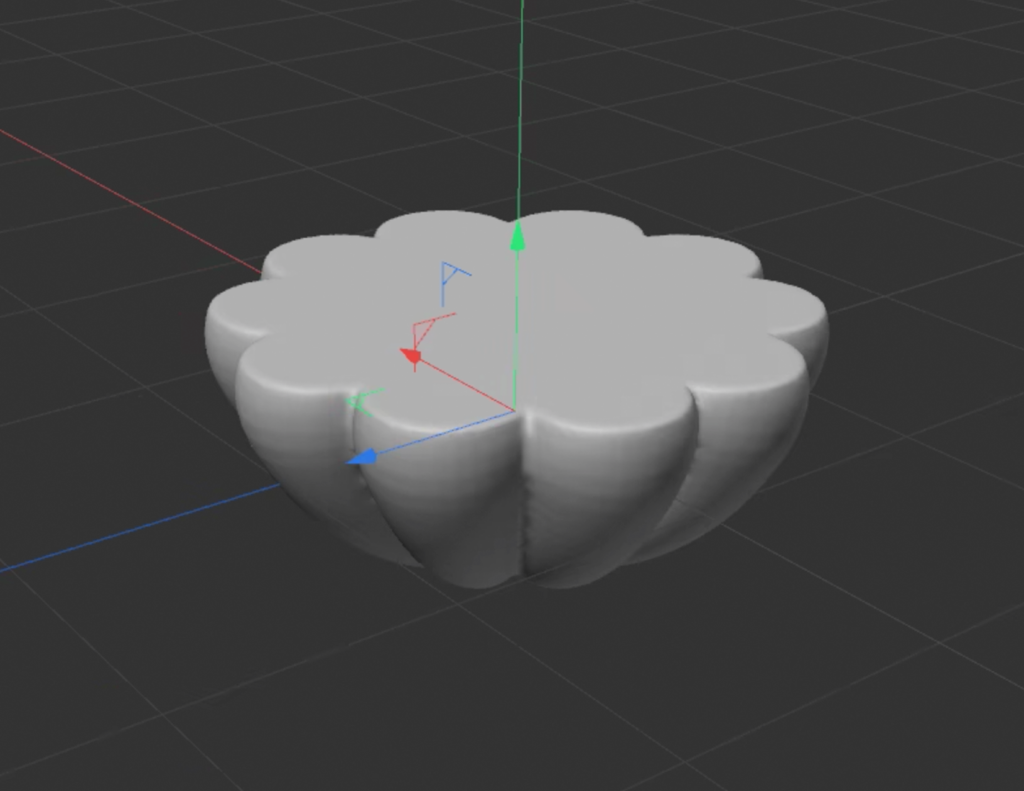
Step 3
Circle – Clone – Spline Mask – a flower shape – move it into the volume builder – input type: subtract
Add a sphere – Clone – move it into the volume builder – input type: subtract
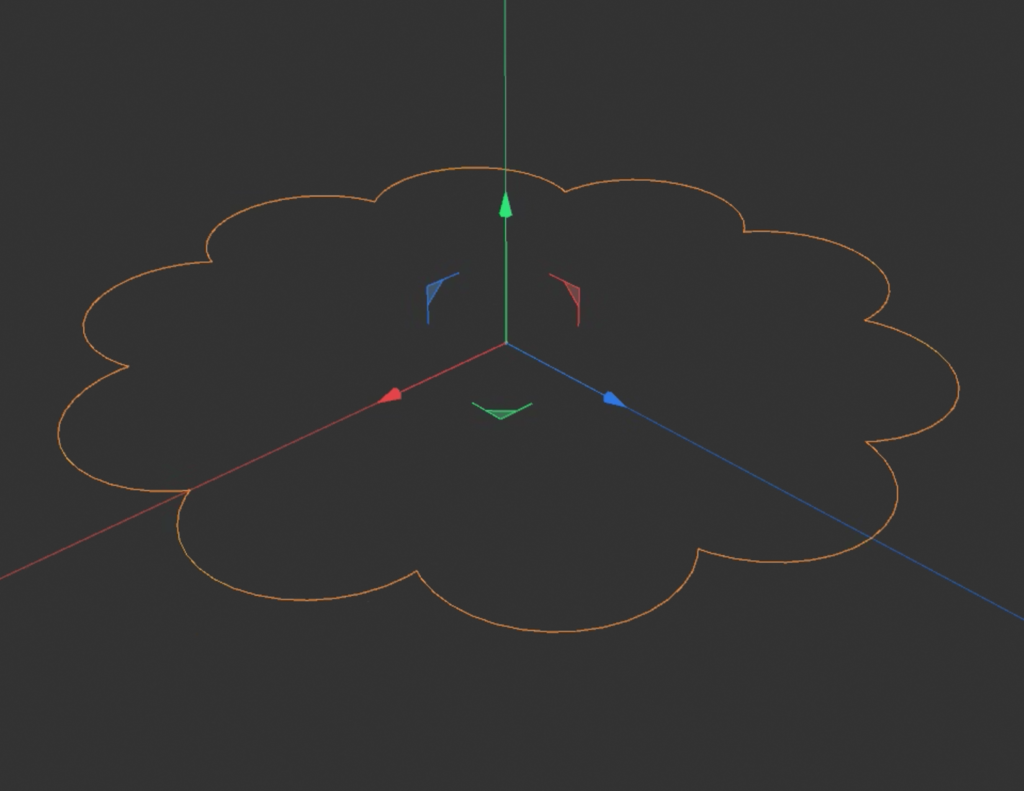
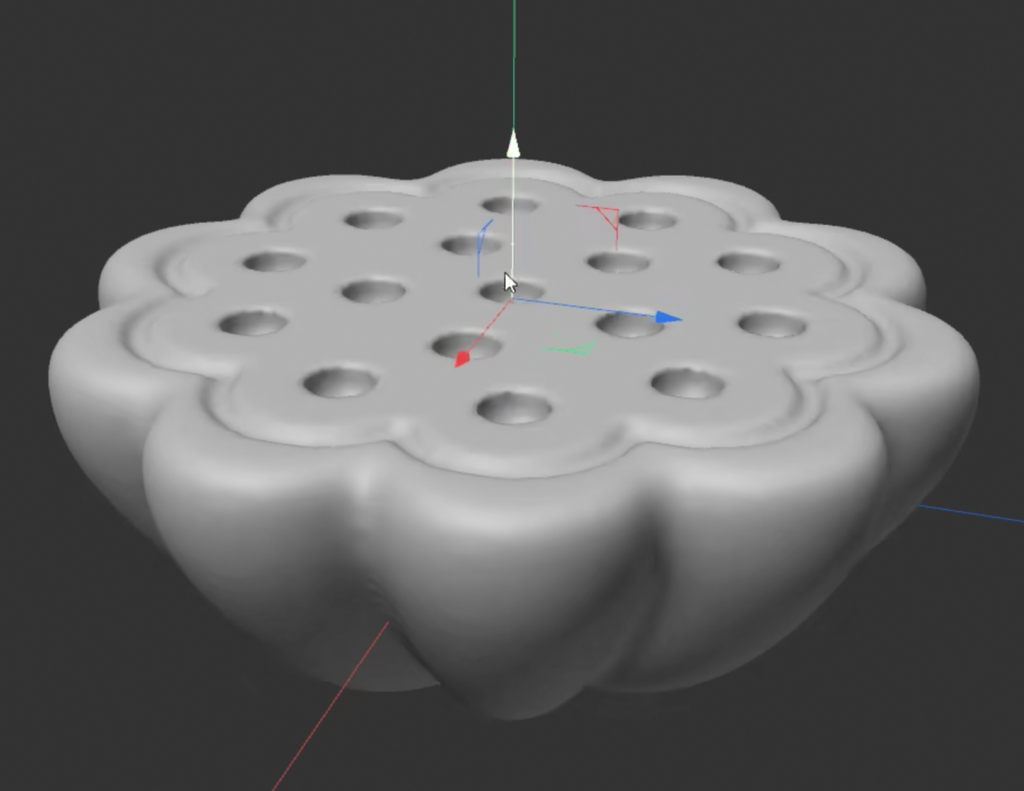
Spherify
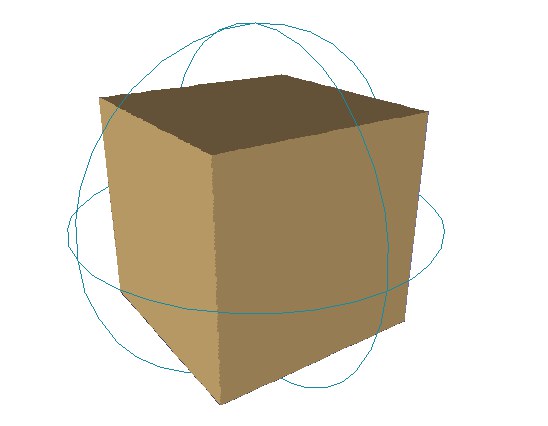
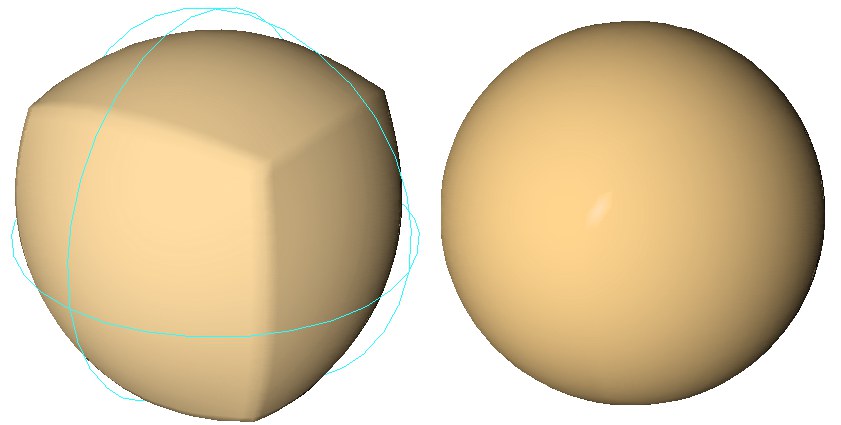
Step 4
Remesh